
whatsready
Your messaging toolkit
Save statuses, chat without saving numbers, split long videos for status and use fancy text, all in one lightweight, offline-first app. No account, no contacts access, no storage permission.
Everything for messaging, in one place
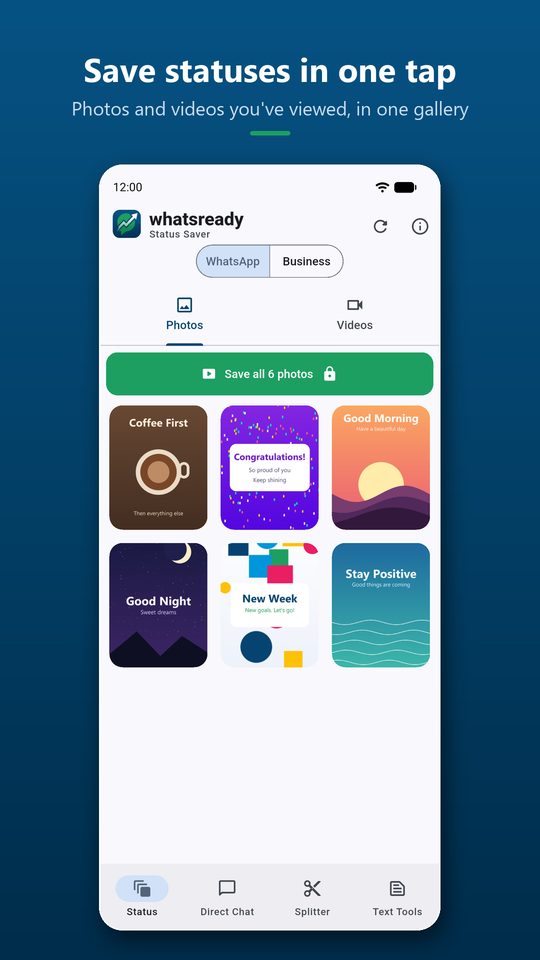
Status Saver
See statuses you’ve already viewed from WhatsApp or WhatsApp Business, as photos and videos, and save one or all of them to your gallery.
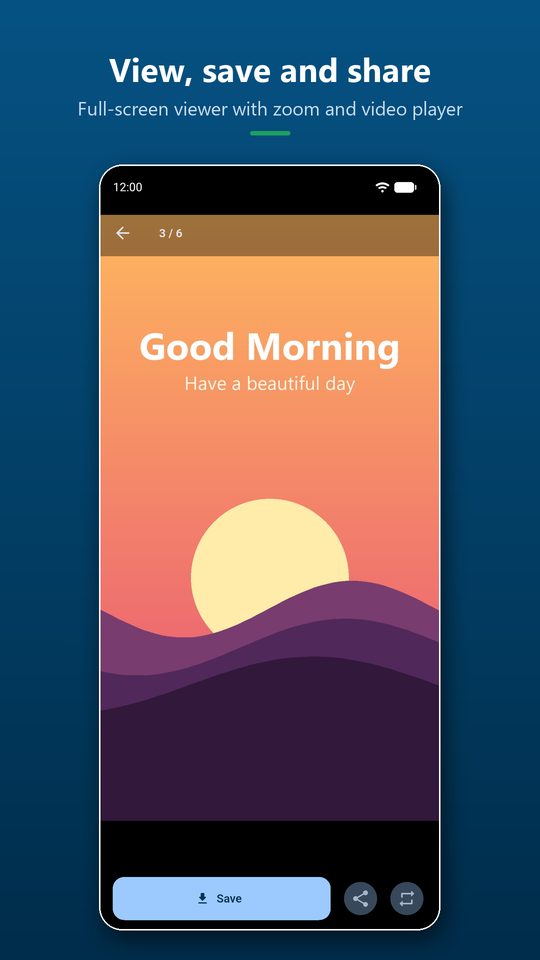
Viewer: save, share, repost
Full-screen swipe viewer with pinch-to-zoom and video playback. Save, share, or repost to WhatsApp/Business.
Direct Chat
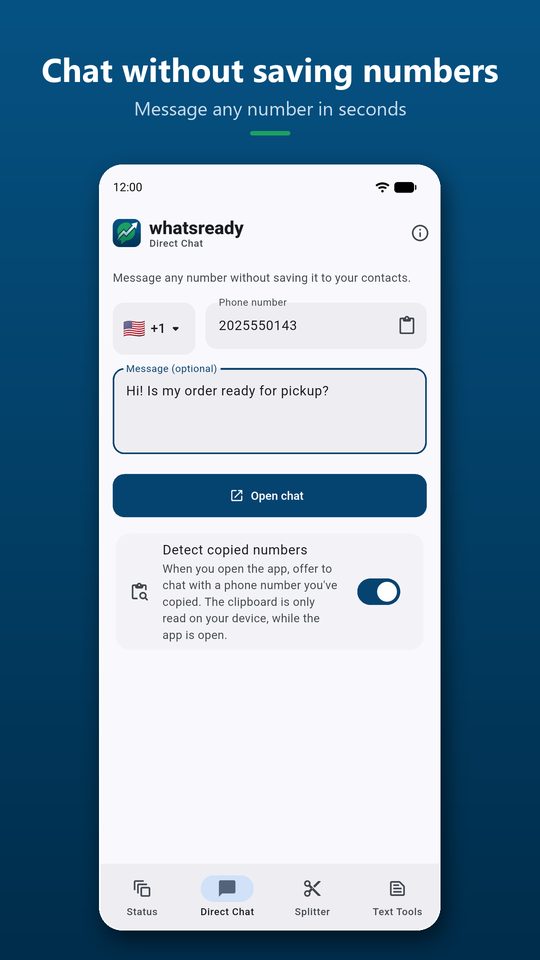
Message any number without saving it. Country picker with search, an optional message, and copied-number detection.
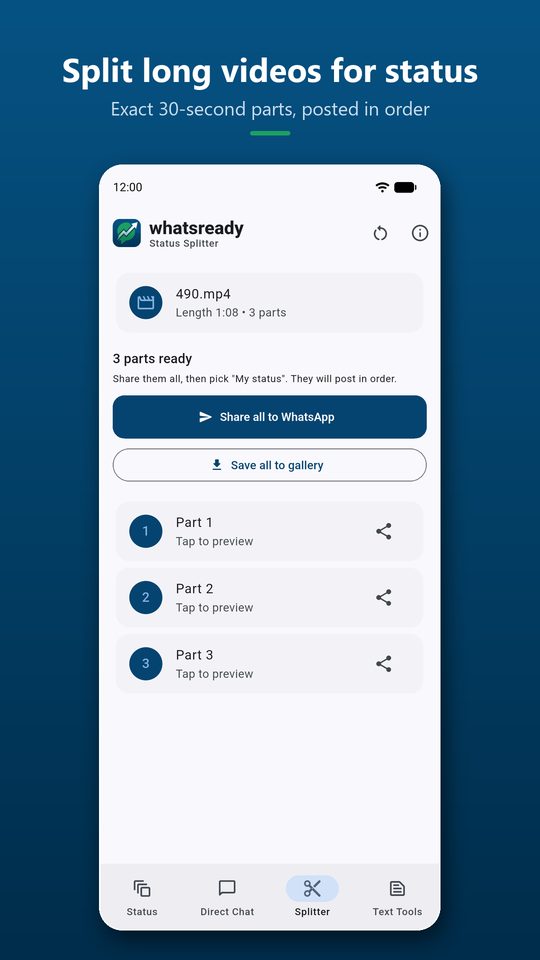
Status Video Splitter
Split long videos into exact 30-second parts on your phone, preview them, save all, or share all in order.
Quick reply templates
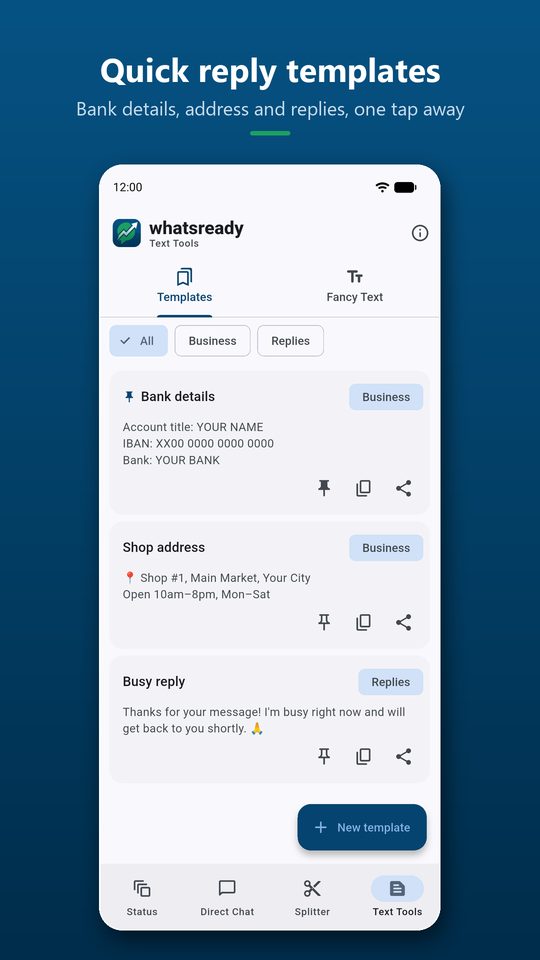
Create, pin, copy and share your own message snippets such as bank details, shop address or a busy reply, sorted by category.
Fancy Text
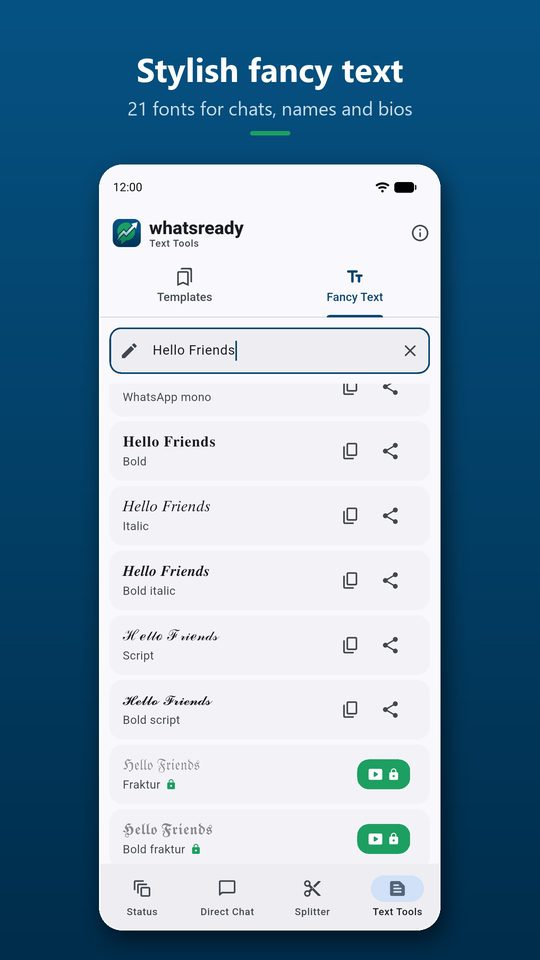
25 styles: 21 Unicode fonts plus bold, italic, strike and mono formatting. Tap to copy or share.
Private by design
No contacts access and no storage permission. You grant access to the status folder once, through Android’s own folder picker.
Offline-first
Everything happens on your phone. Nothing is uploaded and there is no account to create.
Light & dark theme
A clean Material design that follows your phone’s light or dark mode.
Disclaimer: whatsready is an independent app. It is not affiliated with, endorsed or sponsored by WhatsApp LLC or Meta Platforms, Inc. WhatsApp is a trademark of WhatsApp LLC. Please respect other people’s privacy and only save or share content you have permission to use.
See whatsready in action
Try Direct Chat and Fancy Text
This web version runs completely in your browser. Nothing you type or add is uploaded.
whatsready Direct Chat — no need to save the number
Enter a number, add an optional message (or pick a quick template), and open the chat directly.
whatsready Fancy Text
Type anything and tap a style to copy it, then paste it into chats, names and bios.
Three simple steps
Open the tab
Status, Chat, Splitter or Text Tools.
Pick or type
Choose a status, enter a number, pick a video or type text.
Save or share
Save to the gallery, open the chat, or share anywhere.
Permissions & why we need them
whatsready declares only two permissions of its own, and both are used for ads.
| Permission | Why it is used | Required? |
|---|---|---|
Internet & network stateINTERNET, ACCESS_NETWORK_STATE | Used only to load ads. Your content is never sent anywhere. | Automatic |
Advertising IDcom.google.android.gms.permission.AD_ID | Added by the Google Mobile Ads SDK for ad delivery and measurement. You can reset or delete it in Android settings. | Automatic |
Status folder accessAndroid folder picker (Storage Access Framework) | You choose the .Statuses folder once. The app reads only that folder. No storage permission is requested. | Only for Status Saver |
Video selectionAndroid Photo Picker | You pick one video to split. The app sees only the video you choose. | Only for Splitter |
Not requested— | Contacts, storage, camera, microphone, location, notification access, accessibility and overlay are never requested. | — |
Full details are in the whatsready Privacy Policy.
whatsready questions
Is whatsready made by WhatsApp?
No. whatsready is an independent app by Fayakun Developers and is not affiliated with WhatsApp LLC or Meta.
Why do I need to pick the .Statuses folder?
Android protects WhatsApp’s folders. Instead of asking for broad storage access, whatsready asks you to grant access to that one folder through Android’s own picker. You can revoke it any time.
Which statuses can I save?
Only statuses you have already viewed in WhatsApp or WhatsApp Business on this phone. Please save and share only content you have permission to use.
Does it read my clipboard?
Only while the app is open, to offer a “Copied number → Chat” shortcut. Nothing is stored, and you can turn it off with the “Detect copied numbers” switch.
Does it send messages automatically?
No. Direct Chat only opens WhatsApp with your message pre-filled. You always press send yourself.
What do rewarded ads unlock?
Watching a short rewarded ad unlocks “Save all” statuses, 12 premium fonts, or splitting videos longer than 3 minutes, for 1 hour. Everything else is free.
whatsready is coming to Google Play
Free to download. No account needed. Read our policies any time.