
AudioCut
AI voice studio: read, record, refine
Your smart voice studio. Read your script on a teleprompter, record in takes, clean your voice with on-device AI, then edit and export. Built for Urdu, Roman Urdu and English creators, and your audio never leaves your phone.
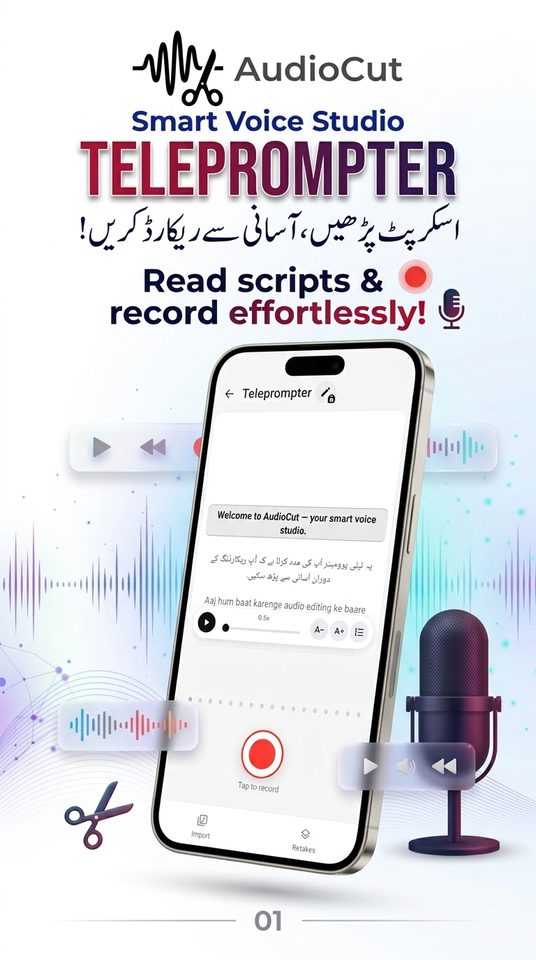
From script to clean voice, on your phone
No studio and no laptop. Read, record and polish your voice-over in one place.
Smart teleprompter
Smooth auto-scroll from 0.5× to 3×, adjustable text size and line spacing, and a highlighted focus line. Supports Urdu, Roman Urdu and English.
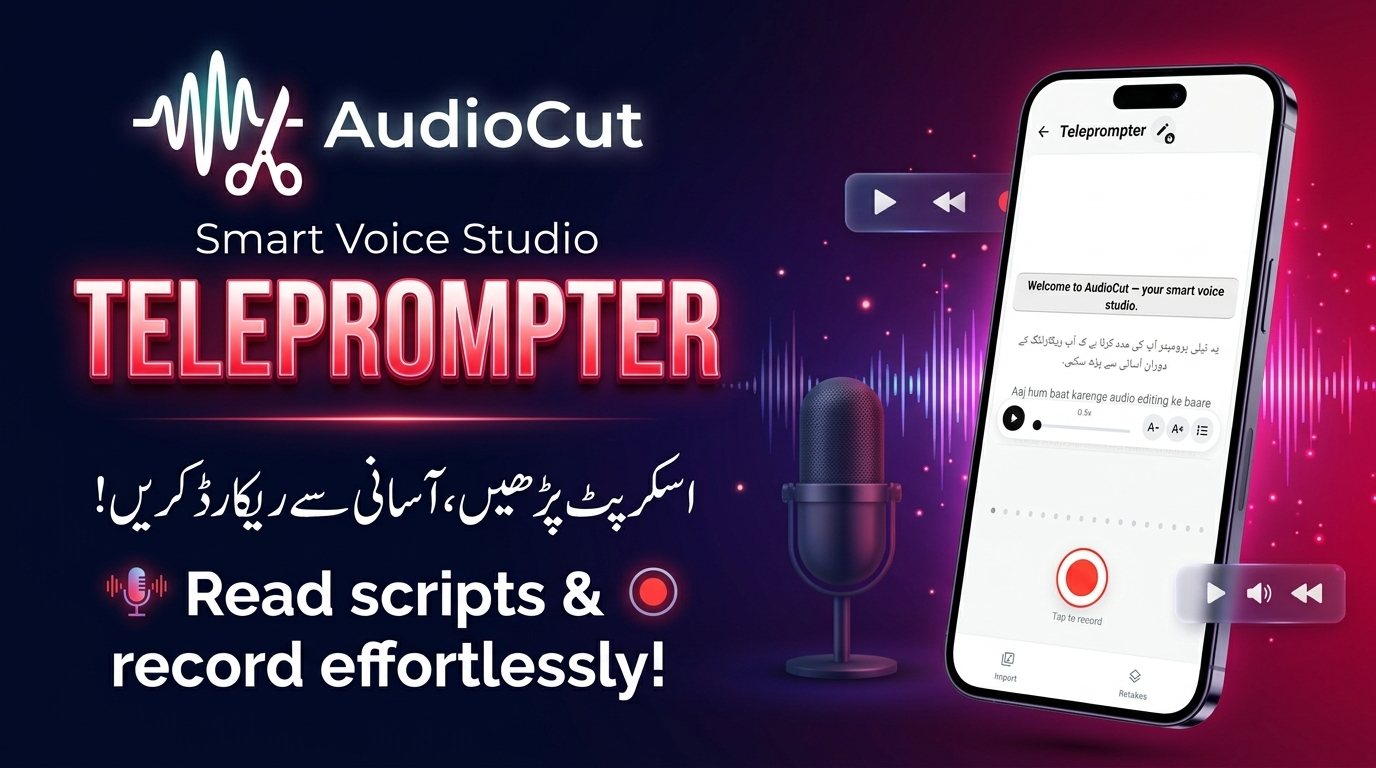
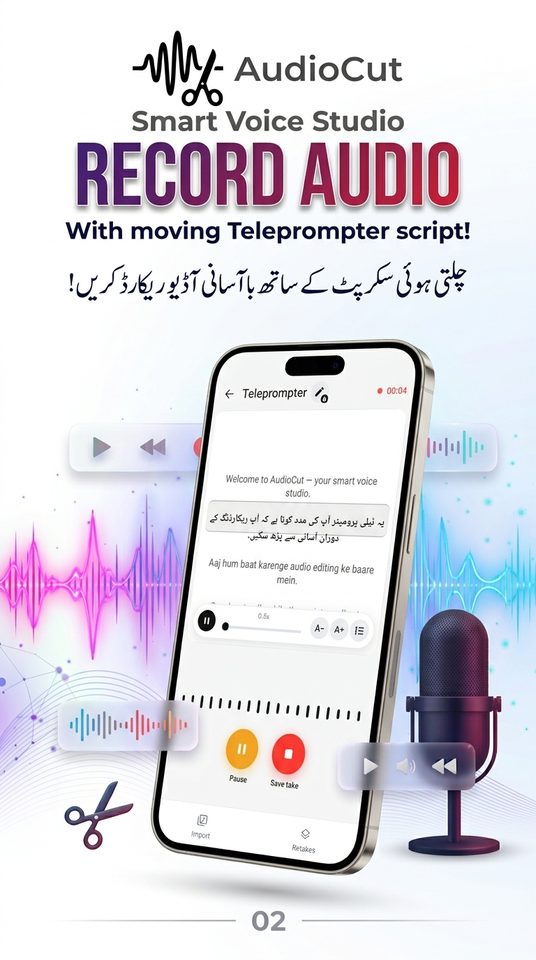
Record in takes
Record line by line in studio-quality 48 kHz WAV. Pause and resume the mic and the teleprompter together, with a live level meter.
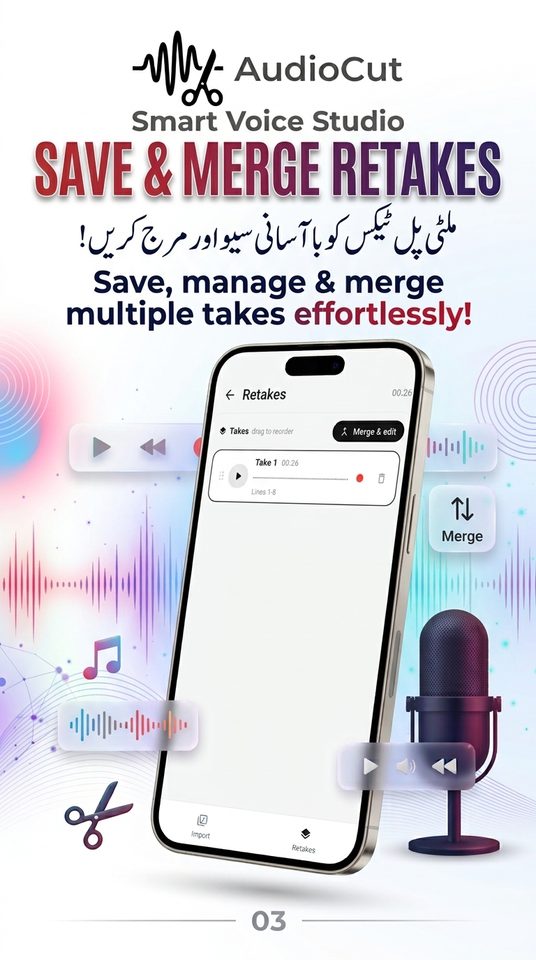
Retakes made easy
Reorder takes, preview any take, re-record one take in place (the script jumps back to its lines), or delete it.
Merge cleanly
Silence is trimmed from each take, takes are joined with smooth crossfades, and the result is levelled to −16 LUFS.
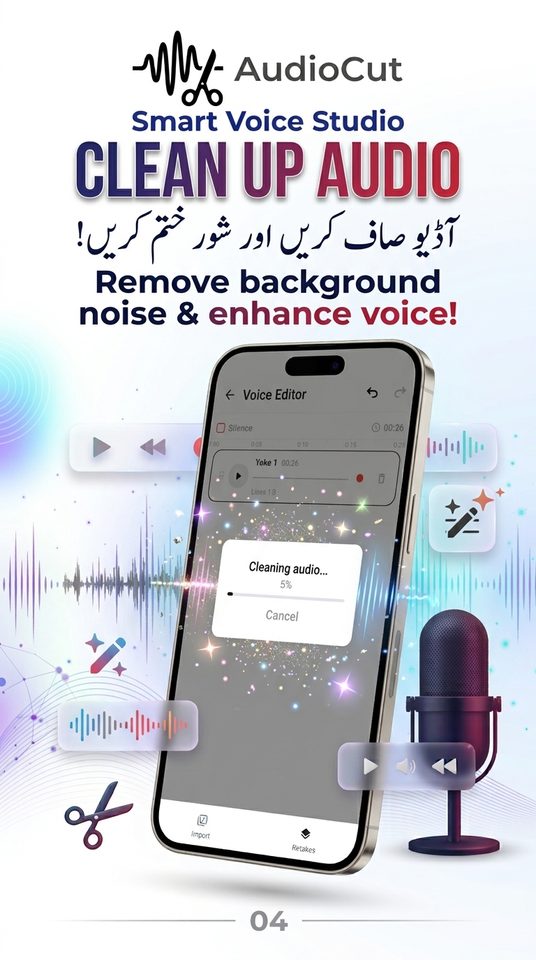
One-tap AI cleanup
On-device AI noise suppression (DeepFilterNet3) removes fans, hiss, hum, traffic, wind and rain, plus a voice gate for far-off talkers.
Voice style presets
Cinematic Warmth, Energetic Vlogger, Soothing Tutorial and Broadcaster Podcast, plus volume (−24 to +12 dB) and fades.
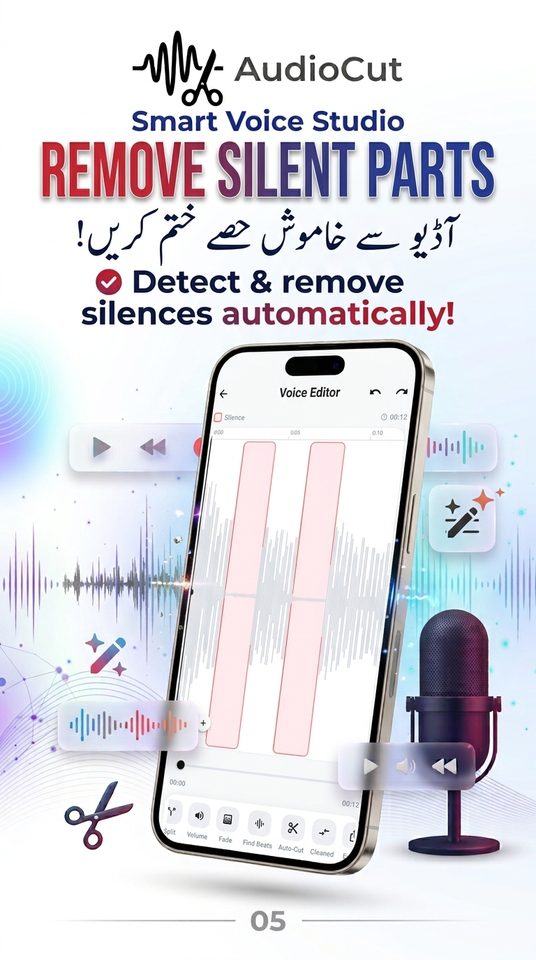
Waveform editor
Split at the playhead, delete segments, tap a silent gap to remove it, or Auto-Cut every silence at once. Undo and redo anytime.
A/B compare & beats
Switch between Original and Cleaned to hear the difference, and mark beats on the ruler with Find Beats.
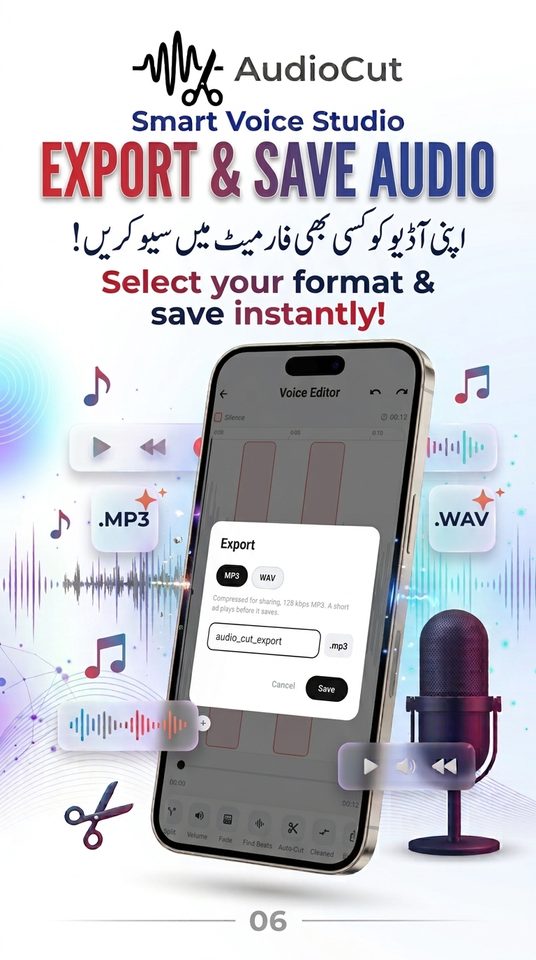
Export WAV or MP3
Name your file and export WAV (always free) or MP3 128 kbps to Downloads/AudioCut, then open or share it.
See AudioCut in action
Try a quick trim in your browser
This web version runs completely in your browser. Nothing you type or add is uploaded.
AudioCut — trim audio in your browser
Pick a song, drag the handles, preview, and download your cut. The file never leaves your device.
Three simple steps
Read & record
Paste your script and record it take by take.
Clean & edit
Merge, clean with AI, remove silences, add a preset.
Export
Save as WAV or MP3 and share.
Permissions & why we need them
Recording happens only while you press record. Audio is processed on your device and never uploaded.
| Permission | Why it is used | Required? |
|---|---|---|
MicrophoneRECORD_AUDIO | To record your voice takes. Only while you are recording on screen. | Needed to record |
Music & audioREAD_MEDIA_AUDIO / READ_EXTERNAL_STORAGE (Android 12 and below) | To import an audio file you choose into the editor. | Only for import |
Storage (Android 9 and below)WRITE_EXTERNAL_STORAGE | Only on old Android versions, to save exports to Downloads/AudioCut. Android 10+ needs no permission. | Old devices only |
Audio settingsMODIFY_AUDIO_SETTINGS | To route audio correctly while recording and playing back. | Automatic |
Internet & network stateINTERNET, ACCESS_NETWORK_STATE | Used only to load ads. Your content is never sent anywhere. | Automatic |
Advertising IDcom.google.android.gms.permission.AD_ID | Added by the Google Mobile Ads SDK for ad delivery and measurement. You can reset or delete it in Android settings. | Automatic |
Full details are in the AudioCut Privacy Policy.
AudioCut questions
Is my audio uploaded anywhere?
No. Recording, AI cleanup, editing and export all happen on your phone. The only internet use is loading ads.
How do the free tools work?
AudioCut is free. Some tools (Cleanup, Presets, Volume, Fade, Find Beats, Auto-Cut, script editing and MP3 export) unlock when you choose to watch a short rewarded ad. Tools stay unlocked for 2 hours. WAV export is always free.
Which languages does the teleprompter support?
Urdu, Roman Urdu and English, including right-to-left Urdu text.
Does Cleanup remove background music?
No. Cleanup removes noise such as fans, hiss, hum, traffic, wind and rain. It does not remove music or nearby voices speaking at the same level.
Where are my exports saved?
In your phone’s Downloads/AudioCut folder. You can open or share the file right after saving.
Which files can I import?
You can import WAV, MP3, M4A and AAC files. For full editing and cleanup, use WAV; recordings made in the app are already WAV.
AudioCut is coming to Google Play
Free to download. No account needed. Read our policies any time.